 Prismagram
Your Prisma schema as a class diagram.
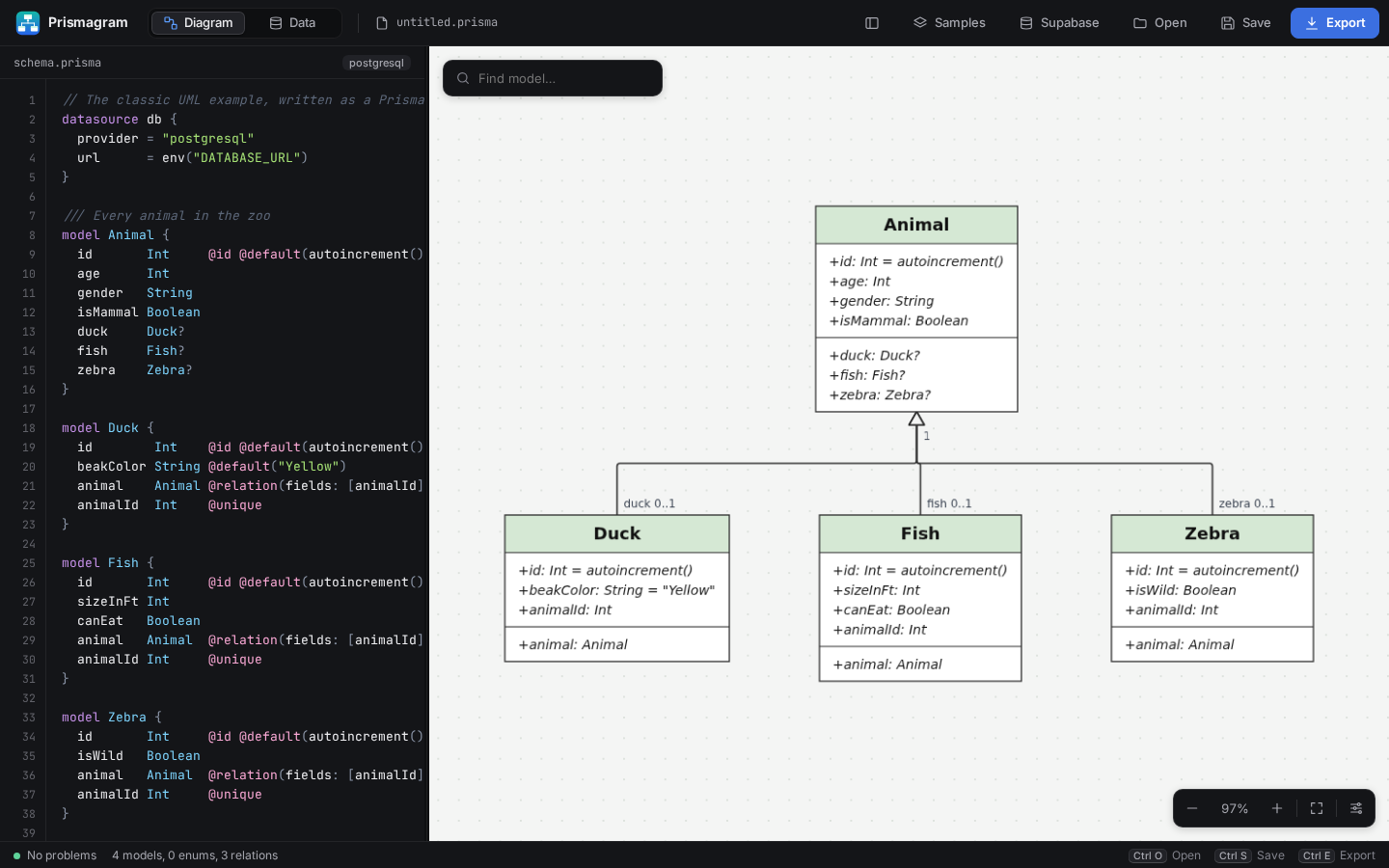
Open a schema.prisma and Prismagram draws every model, enum and relation as a UML diagram that redraws as you type. Switch to Data mode to browse and query PostgreSQL, Supabase or MongoDB.
 Prismagram
Open a schema.prisma and Prismagram draws every model, enum and relation as a UML diagram that redraws as you type. Switch to Data mode to browse and query PostgreSQL, Supabase or MongoDB.
Pick the installer for your computer.
Debian, Ubuntu, Kali, Fedora, openSUSE and others, or any distribution with the AppImage.
Or install from the terminal (any distribution); your package manager then keeps it up to date:
curl -fsSL https://kingvic300.github.io/Prismagram/install.sh | sudo sh
Apple silicon and Intel. macOS 11 or later.
First launch: right-click Prismagram in Applications and choose Open.
Or with Homebrew:
brew tap kingvic300/prismagram https://github.com/Kingvic300/Prismagram
brew install --cask prismagram
Windows 10 and 11, 64-bit.
If SmartScreen warns you, choose More info, then Run anyway.
Or with Scoop:
scoop bucket add prismagram https://github.com/Kingvic300/Prismagram
scoop install prismagram
Already installed? Prismagram updates itself: new versions download in the background and you restart when it suits you.
What changed in each version.
Loading releases…